
Yes, you can easily turn your smartphone into a powerful digital business card using specialized apps and your phone's built-in technology. Modern smartphones support digital card sharing through QR codes and NFC technology, offering instant updates to your contact details with 95% device compatibility. You'll save up to 80% compared to traditional printing costs while gaining analytics tracking and multi-platform sharing capabilities. Popular platforms like HiHello, Switchit, and LinkedIn QR let you customize your design, add social media links, and generate unique QR codes for seamless networking. By implementing proper security measures and following sharing best practices, you'll reveal your phone's full potential as a networking tool.
Key Takeaway
- Yes, most smartphones can create and share digital business cards through platforms like HiHello, Switchit, or LinkedIn QR.
- Digital cards can be shared via QR codes or NFC technology, which are supported by 95% of modern smartphones.
- Your phone can instantly update contact details, track interactions, and share across multiple platforms seamlessly.
- Setting up requires uploading a photo, entering contact information, and generating a unique QR code or sharing link.
- Phones must be positioned horizontally with bright screens (70%+ brightness) for optimal QR code scanning between devices.
Benefits of Digital Business Cards
Through digital business cards, you'll instantly modernize your networking approach while reducing your environmental impact. When you switch to digital formats, you're embracing a solution that offers seamless information sharing and automatic updates across your professional networks.
Key Advantages:
- Instant updating capabilities: Change your contact details, job title, or company information in real-time
- Cost reduction: Eliminate recurring printing expenses and save up to 80% compared to traditional cards
- Analytics tracking: Monitor when recipients view your card and which information they interact with most
- Multi-platform compatibility: Share your details across various devices and operating systems seamlessly
Additional Benefits:
- Enhanced content sharing: Include links to your portfolio, social media, and video introductions
- Contactless exchange: Transfer information safely without physical contact
- Storage efficiency: Access all your contacts' information in one organized digital space
- Eco-friendly impact: Reduce paper waste while showcasing your commitment to sustainability
Setting Up Your Digital Card
Now that you understand the advantages of digital business cards, getting started with your own is straightforward. You'll need to select a digital business card platform that aligns with your professional needs and technical preferences.
Essential Setup Steps:
- Choose your platform (popular options include HiHello, Switchit, or LinkedIn QR)
- Upload your professional headshot
- Input your contact details and social media links
- Customize your card's design and layout
- Generate your unique QR code or sharing link
Key Information to Include:
- Full name and professional title
- Company name and position
- Direct phone number and email
- LinkedIn profile URL
- Portfolio or website links
- Areas of expertise or certifications
Advanced Customization:
You can enhance your digital card by adding interactive elements like clickable social media icons, downloadable vCard formats, and calendar scheduling links. Most platforms allow you to create multiple versions of your card for different contexts, such as networking events or client meetings. Don't forget to test your card's functionality across different devices and update your information regularly to maintain its effectiveness.
Popular Digital Card Apps
Several leading digital business card apps have emerged as industry standards, each offering unique features to suit different professional needs.
Popular Digital Business Card Solutions:
- HiHello – You'll find extensive contact management features, multiple card designs, and analytics tracking that shows when recipients view your card. The app lets you create unlimited cards with custom branding.
- Switchit – This app excels at CRM integration, allowing you to seamlessly export contacts to your preferred platform while offering real-time card updates and sharing statistics.
- Linq – You can choose from physical NFC cards, digital-only options, or both. Their platform includes team management features and enterprise solutions for larger organizations.
Key Features to Evaluate:
- QR code generation and scanning
- Contact information syncing
- Social media integration
- Analytics and tracking capabilities
- Custom branding options
- Cloud storage for backups
Most popular apps offer free basic versions, with premium features typically ranging from $5-15 monthly. You'll want to compare specific features against your professional needs, as some apps focus on networking capabilities while others emphasize design customization or enterprise functionality.
QR Codes and NFC Technology
Digital business cards rely on two main technologies for sharing contact information: QR codes and Near Field Communication (NFC).
QR Code Technology:
- You'll find QR codes are matrix barcodes that store your contact details
- Your recipient can scan your code using their smartphone camera
- You can generate custom QR codes through various apps or websites
- Your code can link directly to your contact info, website, or social profiles
NFC Technology:
- Your phone's NFC chip enables contactless data transfer
- You'll need to enable NFC on both devices for seamless sharing
- Your information transfers instantly when phones are within 4cm
- You can store multiple contact profiles on your NFC-enabled card
Compatibility Considerations:
- Most modern smartphones (95%) support QR code scanning
- NFC works on devices running Android 4.0+ or iOS 11+
- You'll find QR codes more universally acceptable across platforms
- Your iPhone's NFC capabilities may be limited to reading only
Both technologies offer secure, instant sharing of your professional details, though QR codes currently provide broader compatibility across devices. You'll find these digital solutions increasingly replacing traditional paper cards in professional settings.
Best Practices for Sharing
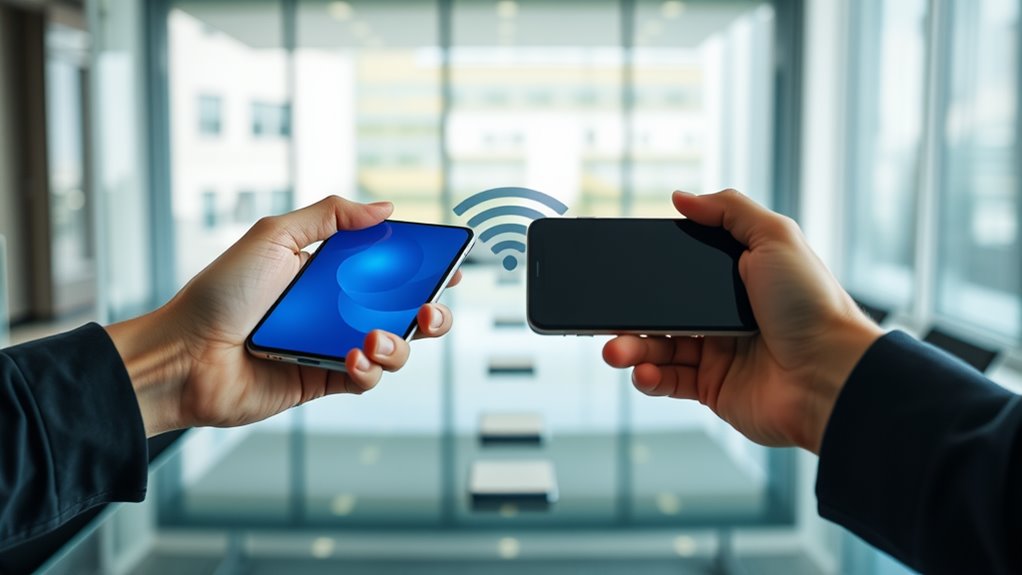
Successful digital card sharing requires mastering a few key practices to guarantee smooth, professional interactions. To maximize your digital business card's effectiveness, you'll need to focus on timing, presentation, and follow-up strategies.
Essential Sharing Practices:
- Position your phone horizontally when displaying QR codes to facilitate excellent scanning
- Keep your screen brightness at 70% or higher during sharing
- Maintain eye contact while explaining your digital card's features
- Have a backup sharing method ready (email or text)
Timing and Etiquette:
- Wait for natural conversation breaks to introduce your digital card
- Briefly explain how to access your information (10-15 seconds max)
- Confirm the recipient has successfully received your details
- Send a follow-up message within 24 hours
Technical Considerations:
- Test your sharing method before important meetings
- Update your digital card information monthly
- Use a consistent sharing platform across all devices
- Enable offline access to your digital card when possible
Remember to customize your sharing approach based on your audience's tech-savviness and the professional context of your interaction.
Design Tips That Work
Professional design principles transform a basic digital business card into a powerful networking tool. When crafting your digital card's appearance, you'll need to focus on key elements that enhance visual impact and readability.
Essential Design Elements:
- Keep your font choices limited to two styles – one for headers, one for body text
- Maintain consistent brand colors (maximum of three) that align with your company's palette
- Include white space strategically to prevent visual clutter
- Verify text contrast meets accessibility standards (4.5:1 ratio minimum)
Layout Enhancement:
- Position your name and title prominently at the top
- Group contact information logically by type (phone, email, social)
- Use clear hierarchy with varied text sizes (18pt for headers, 12pt for body)
- Incorporate your logo at 300×300 pixels minimum for clarity
Remember these technical specifications:
- Maximum file size: 400KB for peak loading
- Image resolution: 72dpi for digital display
- Dimensions: 1080×1920 pixels for vertical orientation
- Format compatibility: Choose vector-based elements when possible
Prioritize mobile responsiveness, as 78% of digital business cards are viewed on smartphones first.
Digital Card Security Measures
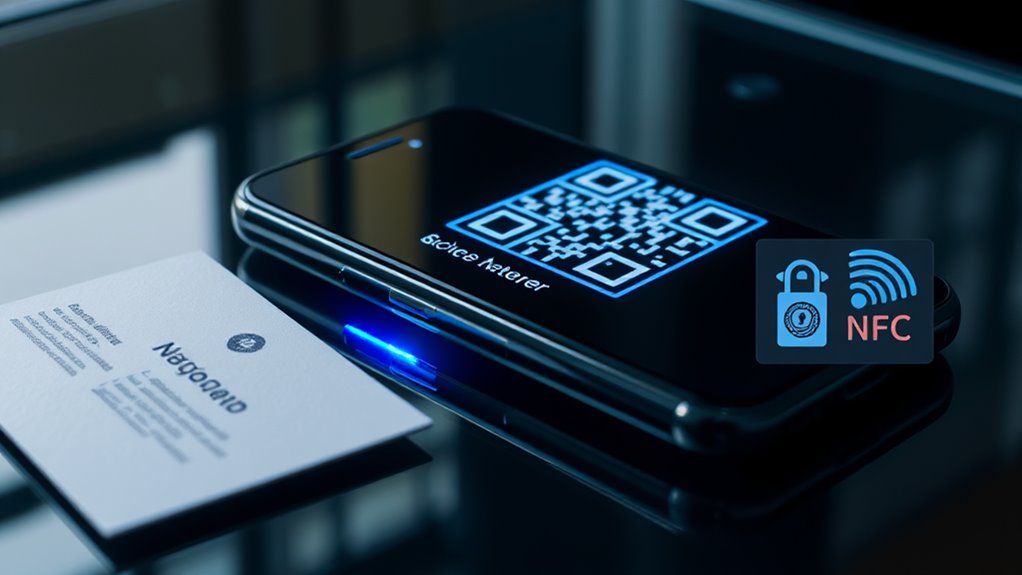
In light of growing cybersecurity threats, protecting your digital business card must be a top priority. By implementing robust security measures, you'll safeguard both your professional information and your recipients' data integrity.
Essential Security Measures:
- Enable two-factor authentication for your digital card platform
- Use encrypted data transmission protocols (HTTPS)
- Regularly update your digital card software and applications
- Create strong, unique passwords for your card management system
Data Protection Features:
- Limited sharing controls: Set expiration dates for temporary access
- Visitor tracking: Monitor who views and downloads your card
- Data encryption: Confirm your contact information remains secure
- Privacy settings: Control which details are visible to different audiences
You'll want to verify that your digital business card provider maintains:
- SOC 2 compliance certification
- GDPR data protection standards
- Regular security audits and updates
- Secure cloud storage with redundant backups
Remember to review your security settings quarterly and immediately revoke access for any compromised versions of your digital card. When selecting a digital business card platform, prioritize those offering extensive security features and proven track records in data protection.
Conclusion
Just as a master key opens many doors, your digital business card opens countless networking possibilities right from your phone. You're now equipped to transform your smartphone into a powerful networking tool that'll seamlessly connect you with potential clients and colleagues. Whether you choose QR codes, NFC technology, or dedicated apps, you've got everything needed to make your digital business card work effectively in today's fast-paced professional world.