
You'll find both free and paid web design tools available today, with 48% of small businesses starting with free options. Popular free platforms like Wix, WordPress.org, and Google Web Designer offer basic features including templates, visual editing, and mobile responsiveness. While these tools won't cost you money upfront, they often come with limitations such as storage caps (typically 500MB), forced branding, and restricted functionality. Premium features like custom domains, advanced templates, and e-commerce capabilities usually require paid upgrades ranging from $12-30 monthly. Understanding the full scope of features and limitations will help you determine which option best suits your needs.
Key Takeaway
- Many web design platforms offer free versions with basic features, including Wix, WordPress.org, and Google Sites.
- Free web design tools typically come with limitations like storage restrictions, forced branding, and limited template options.
- Most free web design platforms include essential features like visual editing, basic templates, and mobile responsiveness.
- Hidden costs may include domain registration, SSL certificates, and premium templates even when using "free" platforms.
- Users can create websites without upfront costs, but premium features requiring payment become necessary for business growth.
Understanding Free Web Design Tools
Free web design tools empower creators to build websites without spending money on expensive software. You'll find numerous options available that rival paid alternatives, offering robust features for design and development.
Key Free Web Design Tools:
- Wix Website Builder: You can create responsive sites with drag-and-drop functionality
- WordPress.org: Access thousands of free themes and plugins for customization
- Google Web Designer: Build interactive HTML5-based designs and motion graphics
- Canva: Design web graphics, banners, and social media assets effortlessly
Features You'll Typically Find:
- Visual editing interfaces
- Pre-made templates
- Mobile responsiveness tools
- Basic SEO optimization features
- Integration capabilities
When you're selecting free web design tools, you'll want to take into account their limitations. While most free versions offer essential features, they often include:
- Watermarks on published sites
- Limited storage space
- Basic hosting options
- Restricted premium features
- Platform-specific advertisements
You can maximize these tools by combining different solutions. For instance, pair WordPress's content management with Canva's graphics creation to build a thorough design workflow without spending money on software licenses.
Popular No-Cost Design Platforms
Several no-cost design platforms have emerged as leaders in the web development space, building upon the core tools mentioned earlier. You'll find these platforms offer extensive features that rival paid alternatives.
Popular Free Web Design Platforms:
- Wix: You'll get access to over 800 customizable templates, drag-and-drop functionality, and mobile optimization tools. The free plan includes 500MB storage and basic hosting.
- WordPress.org: As an open-source platform, you'll have complete control over your site's design, with thousands of free themes and plugins available. You'll only need to pay for hosting.
- Google Sites: You'll benefit from seamless integration with other Google tools, making it ideal if you're already using Google Workspace. The platform includes 15GB of storage.
Additional Options Worth Considering:
- Weebly: Features a user-friendly interface with responsive templates and built-in SEO tools
- GIMP: Serves as a free alternative to Photoshop for creating web graphics
- Canva: Provides web-optimized graphics and social media templates
Limitations of Free Design Options
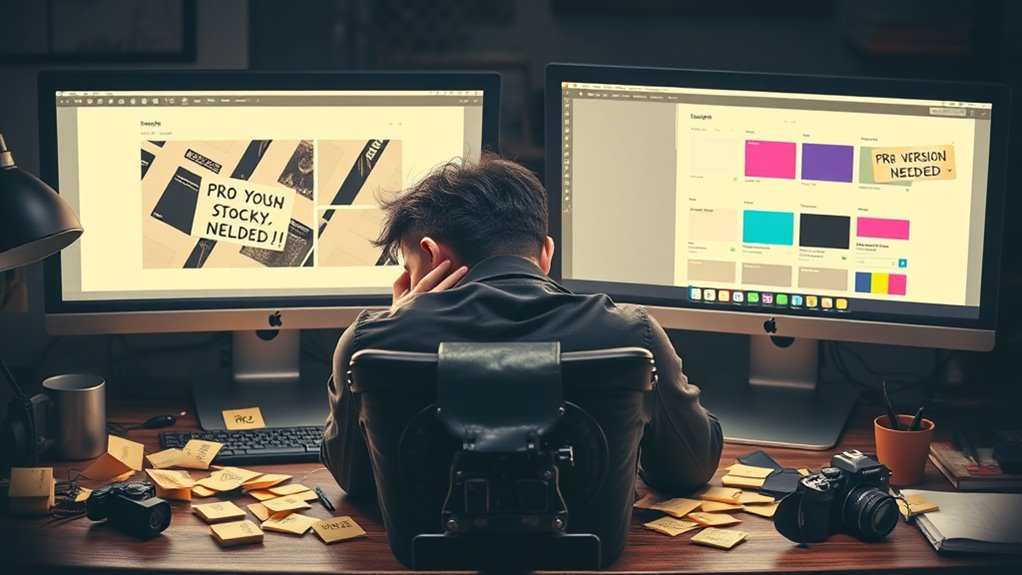
Reality often sets in when you explore free web design platforms, as they come with notable restrictions that can impact your site's functionality and growth. You'll quickly discover that these limitations can affect your website's professional potential and scalability.
Common Restrictions of Free Web Design Tools:
- Storage limitations, typically 500MB or less
- Forced platform branding and advertisements
- Limited template customization options
- Basic-only SEO tools and analytics
- Restricted access to HTML/CSS coding
- Minimal integration with third-party apps
Technical Constraints:
You'll find that free platforms often cap your monthly visitors, usually around 1,000-3,000, and restrict bandwidth usage to basic levels. Additionally, you won't have access to advanced features like:
- E-commerce functionality
- Custom domain connections
- Premium security features
- Database management tools
Business Impact:
These limitations directly affect your site's growth potential, as you'll need to upgrade to paid versions when:
- Your traffic exceeds basic thresholds
- You require professional features
- Your business needs advanced marketing tools
- Customer support becomes essential
Consider these restrictions carefully when deciding between free and paid options for your web design needs.
Premium Vs Free Features
Making the leap from free to premium web design platforms presents a stark contrast in available features and capabilities. You'll notice immediate differences in how you can customize and control your website's appearance and functionality.
Key Premium Features:
- Custom domain names and hosting options
- Advanced design templates (100+ vs. 10-15 in free versions)
- E-commerce capabilities with shopping cart integration
- Advanced SEO tools and analytics
- Priority customer support
- Removal of platform branding
Free Version Limitations:
- Platform-branded subdomain only
- Basic templates with limited customization
- Storage restrictions (typically 500MB or less)
- No e-commerce functionality
- Basic SEO features
- Community-based support only
When you're weighing your options, consider that premium plans typically cost $12-30 monthly but deliver up to 500% more features than free versions. You'll gain access to professional-grade tools like CSS editing, form builders, and database integration. While free options can work for personal projects, premium features become essential when you're building a professional website or growing your online business presence.
Hidden Costs to Consider
Free web design platforms often come with unexpected expenses that can add up over time. While you might start with a basic free plan, you'll likely encounter several hidden costs as your website grows.
Common Hidden Expenses:
- Domain name registration ($10-20 annually)
- SSL certificate upgrades ($30-100 per year)
- Premium templates ($30-200 one-time fee)
- Extended storage space ($5-25 monthly)
- Custom email addresses ($5-15 per user monthly)
- E-commerce functionality ($20-40 monthly)
Technical Considerations:
You'll need to factor in costs for:
- Backup solutions ($5-20 monthly)
- Advanced SEO tools ($20-100 monthly)
- Third-party integrations ($10-50 per integration)
- Mobile optimization features ($10-30 monthly)
As your website traffic increases, you'll likely need to upgrade from free plans to handle:
- Increased bandwidth requirements
- Additional storage space
- Enhanced security features
- Advanced analytics tools
To avoid surprises, create a thorough budget that includes these potential expenses. While free platforms offer basic functionality, planning for these hidden costs guarantees you're prepared for your website's growth and success.
Making the Right Choice
Understanding these potential costs helps inform a smarter decision about your web design platform. When you're evaluating your options, you'll need to weigh the trade-offs between free and paid solutions, considering your specific business requirements and long-term goals.
To make an informed choice about your web design platform, focus on these critical factors:
- Your technical expertise level – If you're comfortable with code, you might leverage free platforms like WordPress.org effectively, while beginners may benefit from paid drag-and-drop builders
- Project timeline and scope – Free solutions often require more time investment, whereas paid platforms can accelerate your development process by 40-60%
- Growth potential – Consider whether your chosen platform can scale with your business, as migrating later typically costs 3-4 times more than initial setup
You'll want to assess your budget against your immediate needs and future objectives. If you're launching a simple portfolio, free platforms might suffice. However, for e-commerce or complex business sites, investing in a paid solution could save you money and headaches down the road. Remember, the most cost-effective choice isn't always the cheapest option upfront.
Conclusion
While you can create stunning websites using free design tools, you'll quickly discover that "free" often comes with strings attached. You're trading convenience for limitations, time for features, and sometimes even website quality for cost savings. Whether you choose free or premium tools depends on your specific needs – but remember, the most valuable investment isn't always the one that costs nothing. Consider your long-term goals before committing to any web design path.