
Home printers and commercial printers differ greatly in their capabilities, costs, and performance. You'll find that home printers typically print 15-25 pages per minute in black and white, while commercial printers can produce 60-100+ pages per minute. Home units cost $100-$300 and handle around 1,000-3,000 pages monthly, compared to commercial printers that range from $5,000-$50,000 and manage 100,000+ pages monthly. The quality also varies, with home printers offering 600-1,200 DPI resolution versus commercial printers' 2,400-4,800 DPI. While home printers suit basic document needs, commercial printers provide advanced features like professional color calibration and enterprise-level security. Understanding these differences helps determine which option best matches your printing requirements.
Key Takeaway
- Commercial printers offer significantly faster printing speeds (60-100+ pages/min) compared to home printers (15-25 pages/min for B&W).
- Home printers cost $100-300, while commercial printers range from $5,000-50,000 but offer lower cost-per-page for high-volume printing.
- Commercial printers deliver superior print quality (2400-4800 DPI) and color accuracy (85-95% Pantone matching) versus home printers (600-1200 DPI).
- Commercial printers require dedicated floor space (50-100 square feet), while home printers need only 2-3 square feet of desk space.
- Commercial printers support advanced security features, enterprise integration, and thousands of mobile connections versus home printers' basic capabilities.
Print Speed and Volume
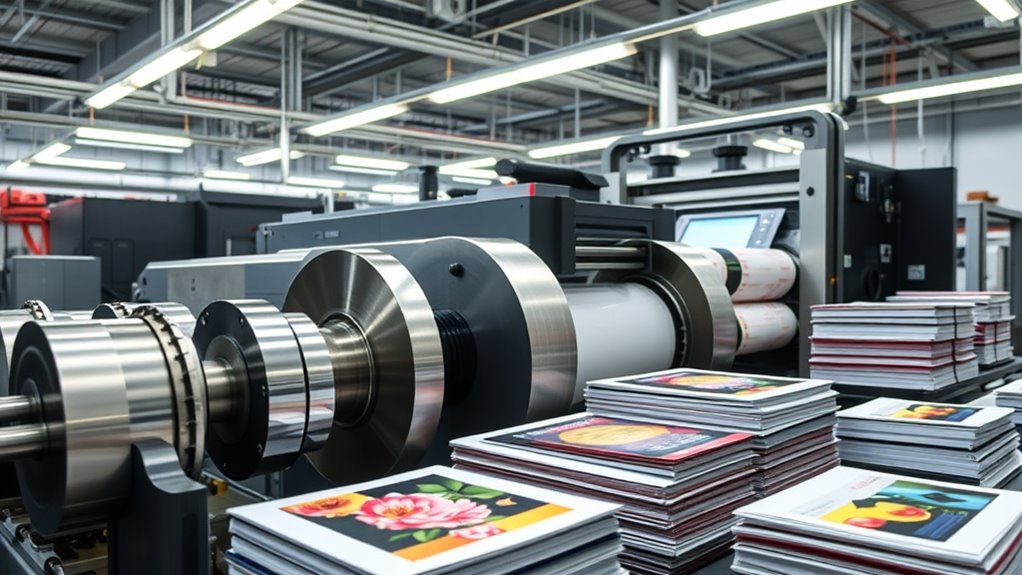
One of the most striking differences between home and commercial printers lies in their print speed and volume capabilities. When you're working with a home printer, you'll typically see speeds of 15-25 pages per minute for black and white documents, while color printing runs even slower at 10-15 pages per minute.
Commercial Print Specifications:
- Output speed: 60-100+ pages per minute
- Monthly volume capacity: 100,000 to 1,000,000 pages
- Multiple-tray feeding systems
- Continuous operation capability
Home Printer Limitations:
- Output speed: 15-25 pages per minute
- Monthly volume capacity: 1,000 to 3,000 pages
- Single or dual-tray systems
- Required cooling periods
You'll find that commercial printers are built with heavy-duty components that can handle continuous operation, while your home printer needs regular breaks to prevent overheating. When you're managing large print jobs, a commercial printer's multiple-tray system lets you load different paper types simultaneously, whereas home printers often require manual paper changes. The speed difference becomes particularly noticeable when you're printing complex documents or high-resolution images, where commercial printers maintain consistent output rates.
Quality and Resolution
Print quality and resolution differences between home and commercial printers manifest in three key areas: dots per inch (DPI), color accuracy, and consistency.
Key Quality Differentiators:
- DPI Capabilities
- Home printers typically offer 600-1200 DPI
- Commercial printers deliver up to 2400-4800 DPI, ensuring sharper details
- You'll notice the difference especially in photo prints and fine text
- Color Accuracy
- Your home printer uses 4-color CMYK processing
- Commercial printers employ 6-8 color systems, including spot colors
- You'll achieve 85-95% Pantone color matching with commercial units versus 65-75% with home printers
- Print Consistency
- Commercial printers maintain calibration across large print runs
- Your home printer may show variations between prints
- Professional machines include built-in color management systems
When you're choosing between home and commercial printing, consider your specific needs. For basic documents and occasional photos, your home printer's quality will suffice. However, if you're producing marketing materials, professional photographs, or branded content where color accuracy is essential, you'll want to leverage commercial printing's superior resolution and consistency.
Cost and Maintenance
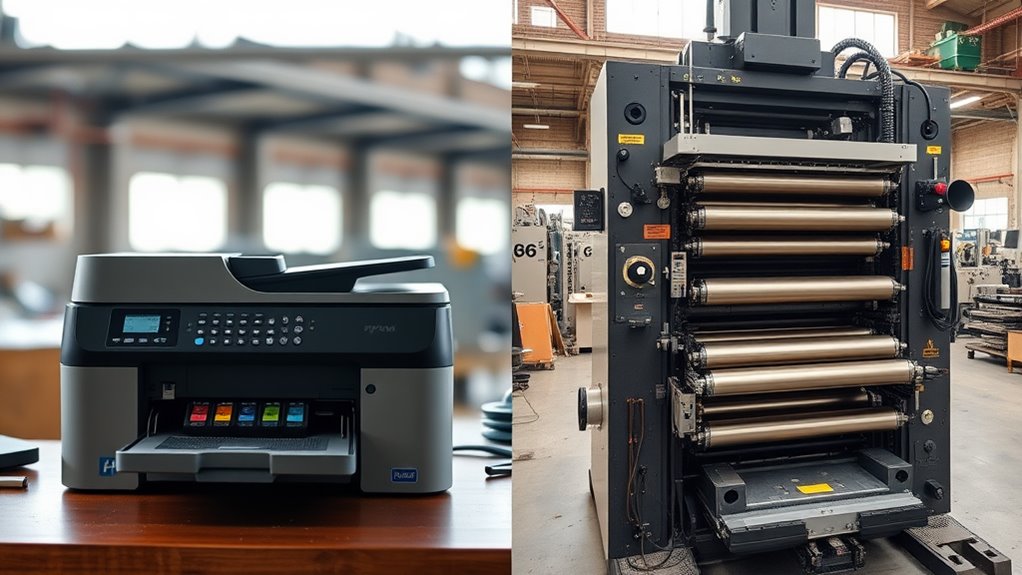
The cash register keeps ringing differently for home and commercial printers when it comes to costs and upkeep. While you'll initially spend $100-$300 for a home printer, commercial units typically range from $5,000 to $50,000 or more.
Initial Investment and Operating Costs:
- Home Printers
- Lower upfront cost
- Higher cost per page ($0.05-0.10)
- Individual ink cartridges ($20-60 each)
- Limited paper capacity
- Commercial Printers
- Substantial initial investment
- Lower cost per page ($0.02-0.03)
- Bulk toner systems ($100-300, but last longer)
- High-volume paper handling
Maintenance Requirements:
You'll find home printers need basic care, like occasional cleaning and alignment, which you can handle yourself. Commercial printers, however, require:
- Regular professional servicing
- Preventive maintenance contracts
- Specialized technician visits
- Component replacements
When you're calculating total ownership costs, remember that commercial printers offer better long-term value if you're printing over 1,000 pages monthly. Your home printer's convenience comes at a premium for high-volume printing, while commercial units deliver cost efficiency through economies of scale.
Size and Space Requirements
In relation to physical footprint, home and commercial printers couldn't be more different. Your typical home printer occupies roughly 2-3 square feet of desk space, while commercial printers require considerable floor space, often 50-100 square feet or more per unit.
Space Requirements Comparison:
- Home Printers
- Width: 16-24 inches
- Depth: 12-18 inches
- Height: 6-12 inches
- Can fit on standard desk or shelf
- Commercial Printers
- Width: 4-12 feet
- Depth: 3-8 feet
- Height: 4-6 feet
- Requires dedicated floor space
- Need additional clearance for maintenance access
You'll need to take into account not just the printer's dimensions but also operational space requirements. For your home printer, you'll want about 6 inches of clearance on all sides for ventilation and paper handling. Commercial printers demand far more space, typically requiring 3-4 feet of clearance around all sides for operator access, material loading, and maintenance procedures. Additionally, you'll need to account for paper storage areas, which can double the total space requirements for commercial printing operations.
Available Features and Functions
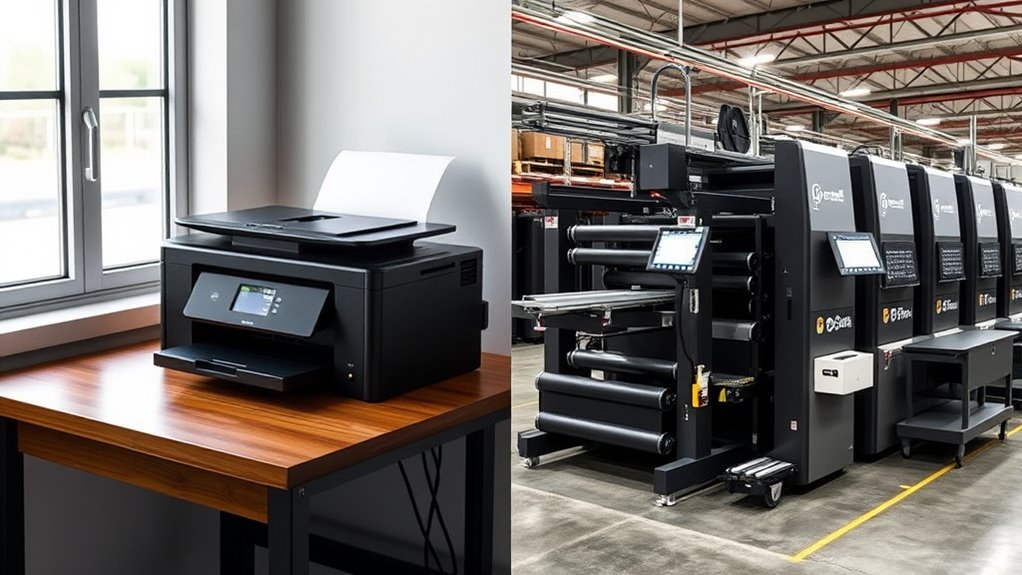
Beyond their physical differences, home and commercial printers offer distinct sets of features and capabilities. You'll find that commercial printers typically include advanced functionality that home units can't match.
Key Commercial Printer Features:
- Professional color calibration and Pantone matching systems
- Multiple paper handling options (up to 12 different trays)
- Advanced finishing options (stapling, binding, folding)
- Network integration with workflow management
- Built-in security features for sensitive documents
- Speeds exceeding 100 pages per minute
- Resolution up to 2400 x 4800 dpi
Home Printer Capabilities:
- Basic color printing and scanning
- Single or dual paper trays
- Simple wireless connectivity
- Basic mobile printing options
- Speeds typically under 30 pages per minute
- Resolution around 1200 x 1200 dpi
You'll notice commercial printers also offer specialized features like:
- Variable data printing
- Large format capabilities
- Professional-grade paper handling
- Advanced troubleshooting systems
- Remote diagnostics and maintenance
When choosing between the two, you'll need to evaluate your specific requirements. Commercial printers provide enterprise-level features that justify their higher cost, while home printers offer sufficient functionality for personal and small business use.
Paper Handling Capabilities
Paper handling capabilities mark one of the starkest contrasts between home and commercial printers. While your home printer typically handles standard paper sizes and basic media types, commercial printers offer extensive paper handling options that'll transform your printing possibilities.
Paper Capacity and Sizes:
- Home printers: 100-250 sheet capacity
- Commercial printers: 2,000-10,000+ sheet capacity with multiple trays
- Standard sizes (home): Letter, Legal, A4
- Extended sizes (commercial): A0, wide-format banners up to 100 inches
Media Handling Capabilities:
- Home printers accommodate:
- Standard copy paper (20-24 lb)
- Basic cardstock
- Photo paper
- Limited envelope sizes
- Commercial printers handle:
- Heavy cardstock (up to 110 lb)
- Specialty papers
- Custom materials
- Textured surfaces
- Multiple envelope sizes
- Synthetic materials
You'll find that commercial printers also offer advanced paper path options, including straight-through paths for thick media and complex finishing options like stapling, hole-punching, and booklet making. These features guarantee you're never limited by paper handling constraints when executing your printing projects.
Connectivity and Networking Options
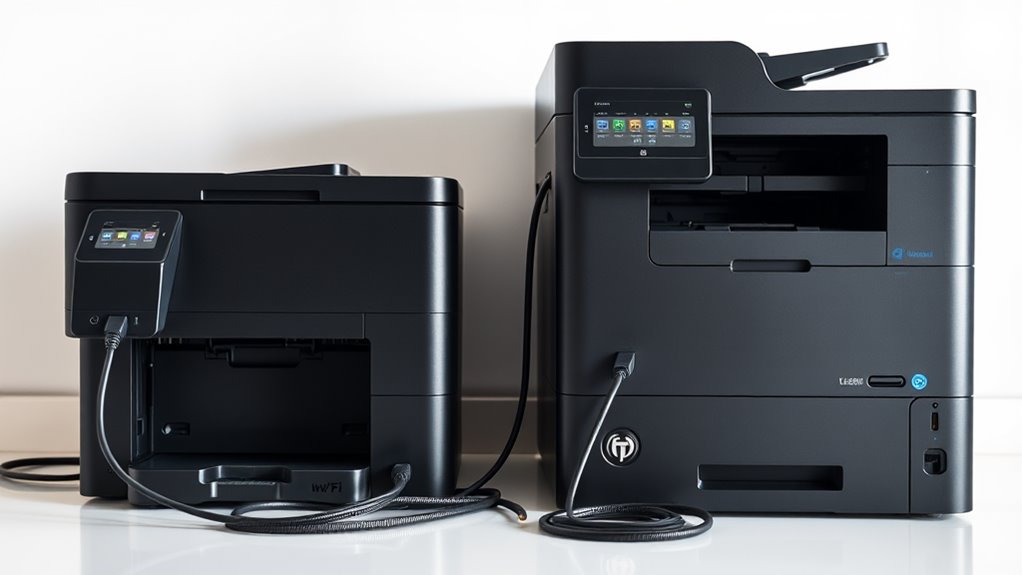
Modern connectivity options create another significant divide between home and commercial printers. While you'll find basic USB and Wi-Fi capabilities in home printers, commercial units offer extensive networking features that enable seamless integration across large organizations.
Key connectivity differences between home and commercial printers:
- Commercial printers support advanced protocols like IPSec, SNMPv3, and 802.1x network security, while home printers typically offer basic WPA/WPA2 encryption
- You'll find multiple ethernet ports on commercial units, allowing for network redundancy and load balancing across different subnets
- Commercial printers integrate with enterprise software systems through APIs, enabling automated job scheduling and resource management
- Mobile printing capabilities in commercial units support thousands of simultaneous connections, compared to 8-10 devices for home printers
- Advanced authentication options in commercial printers include card readers, PIN systems, and biometric access, whereas home units offer basic password protection
You can expand your commercial printer's connectivity through modular upgrades, adding features like wireless bridges or cellular backup connections. This scalability guarantees your printing infrastructure can grow alongside your business needs, unlike home printers' fixed connectivity options.
Conclusion
You'll find that commercial printers offer significant advantages for high-volume printing needs, despite their higher initial costs. In fact, commercial printers can produce up to 100 pages per minute, compared to the average home printer's 15-20 pages. When you're choosing between the two, consider your printing volume, quality requirements, and budget carefully. While home printers excel for personal use, commercial printers deliver the efficiency and durability needed for business operations.