
HTML and WordPress represent two distinct approaches to web design. You'll find HTML requires direct coding knowledge and offers complete control over your website's structure, typically taking 3-6 months to learn but resulting in faster-loading sites. WordPress, as a content management system, provides a user-friendly interface with pre-built themes and plugins, allowing you to create functional websites in 2-4 weeks without coding experience. While HTML development costs range from $1,500-$5,000, WordPress sites typically cost $500-$2,000 initially. Your choice depends on your technical expertise, budget, and desired level of customization – factors we'll explore in detail throughout this guide.
Key Takeaway
- HTML requires manual coding for all elements, while WordPress offers pre-built themes and templates for quick website creation.
- WordPress sites can be built in 2-4 weeks, while HTML development typically requires 3-6 months for basic proficiency.
- HTML websites cost more initially ($1,500-$5,000) but have lower maintenance costs compared to WordPress ($300-$1,000 yearly).
- WordPress provides automated updates and built-in security features, while HTML sites need manual security management and updates.
- HTML sites load faster naturally, but WordPress offers extensive plugins for customization, monitoring, and performance optimization.
Getting Started With HTML
Getting started with HTML requires learning the basic building blocks of web development. You'll need to understand elements like tags, attributes, and document structure to create your first webpage from scratch.
Essential HTML Components to Master:
- Document structure tags (, , )
- Text formatting elements (
,
through
)
- Link creation ()
- Image insertion (
)
- List formatting (
- ,
- )
- ,
You'll want to begin with a basic text editor, such as Notepad++ or Visual Studio Code, which will help you write and organize your code efficiently. As you're learning, you'll discover that HTML follows a nested structure, where elements contain other elements in a parent-child relationship.
Development Steps:
- Install your chosen text editor
- Create a new file with .html extension
- Write the basic HTML structure
- Save and test in a web browser
Statistics show that 92% of successful web developers started by mastering HTML basics before moving to more complex technologies. You'll find that understanding HTML's foundation will serve you well as you progress toward creating more sophisticated websites.
WordPress Essentials
The WordPress platform offers a markedly different approach to web design compared to raw HTML coding. When you're working with WordPress, you'll find yourself managing a content management system (CMS) that handles much of the technical heavy lifting for you. Rather than writing code line by line, you'll interact with a user-friendly interface that streamlines the website creation process.
WordPress's core functionality includes several essential components that make web design more accessible and efficient:
- Theme customization options that let you modify your site's appearance without touching code
- Plugin architecture supporting over 59,000 free extensions for added functionality
- Built-in SEO tools and optimization features that help your site rank better in search engines
- A robust media library system for organizing and displaying images, videos, and documents
- User management capabilities that allow multiple contributors with different permission levels
You'll discover that WordPress considerably reduces the learning curve associated with website development. Through its dashboard interface, you can manage content, adjust layouts, and implement features that would typically require extensive coding knowledge in HTML. This approach enables faster development cycles and easier maintenance, particularly beneficial for businesses needing regular content updates.
Development Time and Learning Curve
Learning web design through pure HTML generally demands more initial time investment than mastering WordPress basics. You'll need to understand coding fundamentals, CSS styling, and proper markup structure, which typically requires 3-6 months of dedicated study for basic proficiency.
WordPress, alternatively, offers a gentler learning curve with its visual interface and pre-built components. You can create a functional website within 2-4 weeks by focusing on:
- Dashboard navigation and settings configuration
- Theme customization and modification
- Plugin installation and management
- Basic content creation and formatting
However, you'll face different development timelines depending on your project needs:
HTML Development:
- Complete creative control requires extensive coding knowledge
- Custom functionality demands JavaScript integration
- Testing and debugging can extend development by 30-40%
WordPress Development:
- Pre-built solutions accelerate initial setup
- Theme modifications usually take 1-2 weeks
- Plugin integration reduces custom coding requirements
For maximum efficiency, consider your project scope before choosing. If you're building complex, unique websites, HTML's longer learning curve might be worthwhile. For standard business sites, WordPress's faster development cycle often proves more practical.
Cost Considerations
Financial planning plays an essential role when choosing between HTML and WordPress development approaches. When you're reflecting on costs, you'll need to evaluate both initial setup expenses and long-term maintenance requirements for each option.
Key Cost Factors to Reflect On:
- HTML websites typically require higher upfront development costs ($1,500-$5,000) due to custom coding, but they often have minimal ongoing expenses beyond hosting fees
- WordPress offers lower initial costs ($500-$2,000) with ready-made themes, though you'll need to budget for regular plugin subscriptions ($200-$1,000 annually)
- Custom HTML development rates range from $50-$150 per hour, while WordPress customization typically costs $30-$100 per hour
- Website hosting for HTML sites averages $5-$20 monthly, whereas WordPress hosting often demands premium plans ($20-$50 monthly)
- Security maintenance costs differ greatly: HTML sites need periodic updates ($100-$300 annually), while WordPress requires constant security patches and plugin updates ($300-$1,000 annually)
You'll find that WordPress's total cost of ownership often increases over time due to recurring expenses, while HTML sites generally require larger initial investments but lower maintenance costs. Reflect on your budget timeline and technical resources when making your decision.
Customization and Control
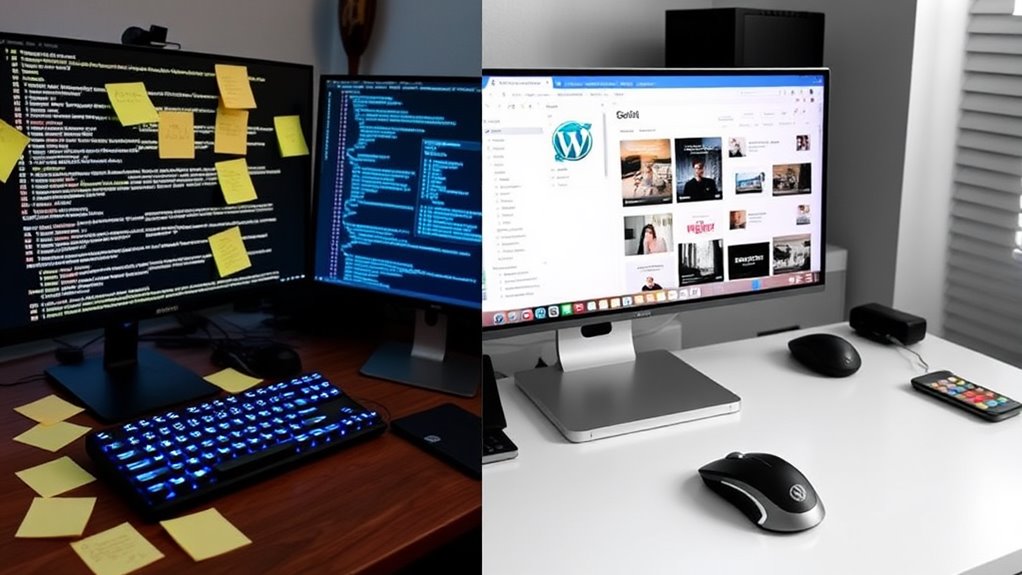
Developers and designers often debate the level of customization available between HTML and WordPress platforms. With HTML, you'll have complete control over every aspect of your website's code, allowing for unlimited customization possibilities. However, this control requires extensive coding knowledge and more time investment.
WordPress offers two distinct customization paths:
- Pre-built themes and plugins that you can customize through user-friendly interfaces
- Custom theme development using PHP, HTML, and CSS for advanced control
When working with HTML, you'll need to:
- Write and maintain all code manually
- Create every feature from scratch
- Handle all security measures independently
- Manage server configurations directly
WordPress simplifies customization through:
- 59,000+ plugins for added functionality
- 8,000+ pre-built themes
- Built-in customizer tools
- Widget systems for drag-and-drop editing
While WordPress provides excellent flexibility for 90% of website needs, pure HTML development gives you unrestricted control over your site's architecture. Your choice should depend on your technical expertise, time constraints, and specific customization requirements. Remember that WordPress can incorporate custom HTML when needed, offering a hybrid approach for complex projects.
Website Maintenance and Updates
Regular website maintenance keeps your online presence healthy and secure, but HTML and WordPress sites demand markedly different approaches to updates and ongoing care. With HTML sites, you'll need to manually edit code files, upload changes through FTP, and personally manage all security implementations. WordPress, however, offers automated updates, plugin management, and centralized dashboard controls.
When maintaining your website, you'll notice these key differences between HTML and WordPress:
- HTML sites require direct code editing for content changes, while WordPress lets you update through a visual editor
- Security patches for HTML sites must be implemented manually, whereas WordPress core updates arrive automatically
- WordPress offers one-click theme and plugin updates, but HTML requires manual replacement of design elements
- Database backups happen automatically with WordPress plugins, while HTML sites need manual file backups
- Content scheduling and revision history come built into WordPress, features you'd need to code from scratch in HTML
You'll find WordPress considerably reduces maintenance time, as it handles many technical tasks automatically. However, you'll need to stay vigilant with plugin updates and compatibility issues, while HTML sites, though requiring more manual work, offer greater control over maintenance processes.
Security and Performance Management
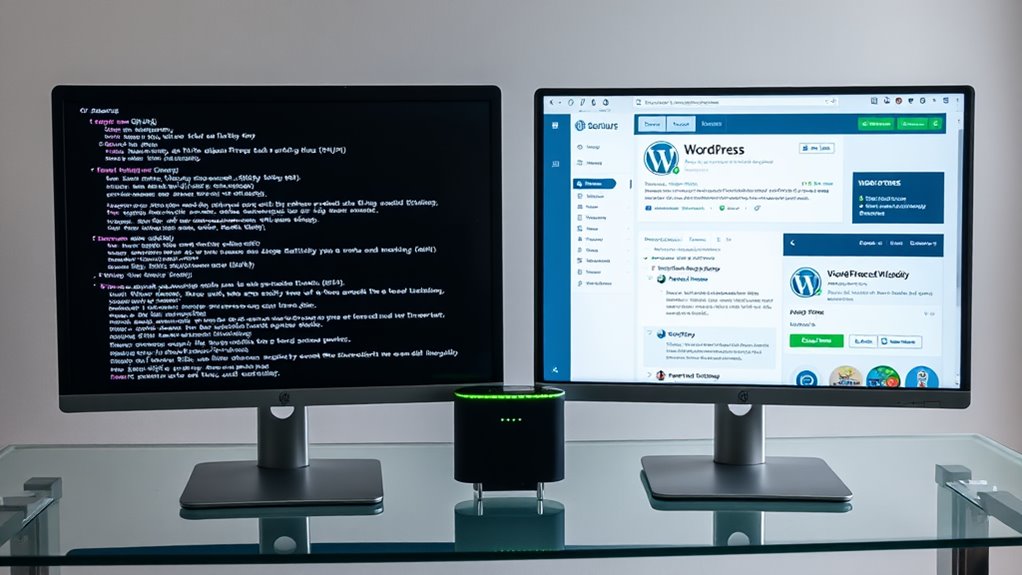
While maintaining your website is important, protecting it from threats and ensuring peak performance requires different approaches in HTML and WordPress.
Security Management
- HTML sites typically rely on your web hosting provider's security measures and manual monitoring, making them simpler but potentially more vulnerable
- WordPress offers robust security plugins like Wordfence and Sucuri, which actively scan for malware and block suspicious IP addresses
- You'll need to update WordPress core files, themes, and plugins regularly to patch security vulnerabilities, while HTML sites require less frequent updates
Performance Optimization
- Static HTML sites generally load faster due to minimal server processing and fewer database queries
- WordPress sites can achieve similar speeds through:
- Caching plugins (WP Super Cache, W3 Total Cache)
- Image optimization tools
- Database cleanup utilities
- CDN integration
Monitoring and Analytics
- HTML sites usually depend on third-party tools like Google Analytics for performance tracking
- WordPress provides built-in performance monitoring through plugins like Query Monitor and New Relic, allowing you to identify bottlenecks and optimize accordingly
You'll find WordPress offers more extensive security and performance tools, though HTML sites maintain an edge in baseline loading speed.
Conclusion
You've now discovered that HTML and WordPress each serve distinct purposes in web design, and by coincidence, they often complement each other perfectly. Whether you're drawn to HTML's raw coding power or WordPress's user-friendly interface, you'll find that both platforms have their place in modern web development. Consider your project's needs, timeline, and budget to make the choice that'll best serve your digital goals.