
You can create professional-looking digital cards at home using design software like Canva, Adobe Spark, or Microsoft Publisher, along with basic hardware like a computer and high-resolution monitor. Start by selecting a template that matches your event's tone, then customize it with 2-3 complementary fonts and high-quality images (300 DPI minimum). Add your text using proper hierarchy (larger fonts for headlines, smaller for body text), and incorporate a color scheme following the 60-30-10 rule for visual balance. When you're satisfied, export your design in the appropriate format (PNG for digital sharing, PDF for printing). The steps ahead will transform your basic design skills into polished, personalized creations.
Key Takeaway
- Choose design software like Canva or Adobe Spark, which offer user-friendly templates and tools for creating digital cards.
- Select a template that matches your event's tone and ensure it has the correct dimensions (typically 5×7 or 4×6).
- Add text using 2-3 complementary fonts, maintaining readable sizes (14-24pt for body text, 30-48pt for headlines).
- Include high-resolution images (300 DPI minimum) and graphics that complement your theme while maintaining proper file formats.
- Save your card in appropriate digital formats (JPEG, PNG) and test across different devices before sharing.
Essential Tools and Software Needed
Creating digital cards starts with having the right tools at your disposal. To craft professional-looking digital cards, you'll need both hardware and software components that work together seamlessly.
Essential Hardware:
- Computer or tablet with a reliable internet connection
- Graphics tablet with stylus (optional, for hand-drawn elements)
- High-resolution display monitor (minimum 1920×1080)
- Storage device or cloud storage for saving projects
Required Software:
- Design program (Adobe Photoshop, Canva, or PicMonkey)
- Vector graphics editor (Adobe Illustrator or Inkscape)
- Font management software
- File compression tools
Online Resources:
- Digital asset libraries for templates
- Stock photo websites
- Font repositories
- Color palette generators
You'll want to guarantee your chosen software includes essential features like:
- Layer management
- Text editing capabilities
- Export options in multiple formats
- Basic photo editing tools
- Shape creation and manipulation
- Filter effects
Consider starting with free options like Canva or GIMP before investing in premium software, as they'll provide 80% of the functionality you'll need for basic card creation.
Choosing Your Card Design Template
A template serves as the foundation for your digital card's success. When selecting your design template, you'll want to take into account both the occasion and your recipient's preferences while maintaining visual harmony throughout the design.
Key Factors in Template Selection:
- Aspect ratio: Choose between standard sizes (5×7, 4×6) for better compatibility
- Format compatibility: Verify the template works with your chosen software
- Customization options: Look for templates offering flexible editing capabilities
- Visual style: Select templates matching your event's tone (formal, casual, playful)
Recommended Template Sources:
- Built-in software libraries (Canva, Adobe Spark)
- Premium template marketplaces (Creative Market, Envato)
- Free resource websites (Freepik, Unsplash)
Before finalizing your template choice, reflect on these technical aspects:
- Resolution quality (minimum 300 DPI for sharp images)
- Color scheme compatibility (RGB for digital, CMYK for printing)
- Text placement and spacing guidelines
- Mobile responsiveness if sharing digitally
You'll find the most success by selecting a template that balances professional design elements with your personal creative vision, while maintaining practical functionality for your intended distribution method.
Adding Text and Typography
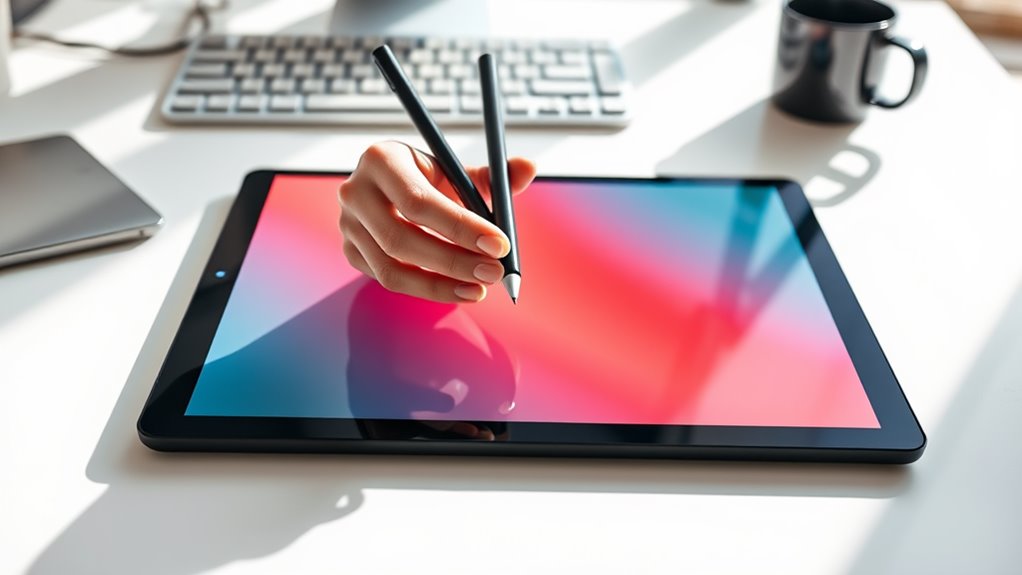
Text selection and typography play pivotal roles in conveying your card's message effectively. When crafting your digital card, you'll need to strategically combine fonts, sizes, and text placement to create visual harmony and readability.
Key Typography Guidelines:
- Select 2-3 complementary fonts: one for headlines, another for body text
- Maintain font sizes between 14-24pt for body text and 30-48pt for headlines
- Keep line spacing (leading) at 120-150% of your font size for ideal readability
Text Placement Tips:
- Create a clear visual hierarchy with your most important message at 40% larger than body text
- Left-align body text for easier reading, while centered text works well for headlines
- Leave adequate white space around text blocks (minimum 15% of total design area)
Advanced Text Effects:
- Apply subtle shadows (2-4px blur) to make text pop against backgrounds
- Use color contrast ratios of at least 4.5:1 for accessibility
- Incorporate text masks or gradients sparingly for special emphasis
Remember to test your text's readability across different screen sizes, as 68% of digital cards are viewed on mobile devices first.
Working With Images and Graphics
Visual elements serve as the foundation of an engaging digital card, bringing your message to life through carefully selected images and graphics. When working with visuals, you'll want to focus on three key aspects: resolution, placement, and cohesion with your overall design.
Essential Image Guidelines:
- Use high-resolution images (minimum 300 DPI for printing)
- Maintain proper aspect ratios when resizing
- Select graphics that complement your card's theme and color palette
For ideal results, consider these technical specifications:
- File formats: PNG for transparency, JPEG for photographs
- Maximum file size: 5MB per image
- Recommended dimensions: 1920×1080 pixels for landscape cards
When incorporating graphics, you'll find vector-based elements particularly useful since they're scalable without quality loss. Position your visual elements using the rule of thirds, creating balance through strategic placement. For backgrounds, utilize patterns or textures at 10-15% opacity to avoid overwhelming your text.
Tips for Image Enhancement:
- Apply subtle shadows (3-5px blur) for depth
- Adjust contrast and brightness for consistency
- Use overlay effects to unify disparate elements
- Implement clipping masks for professional composition
Color Schemes and Visual Effects
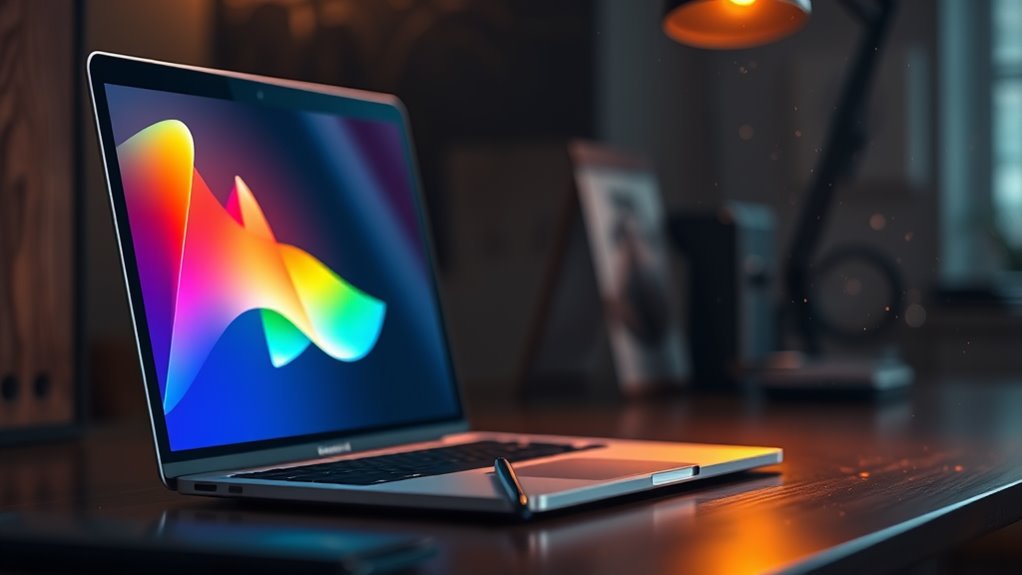
Selecting the right color scheme and effects alters an ordinary digital card into a visually striking creation. You'll want to follow established color theory principles while incorporating your personal style preferences.
Color Selection Guidelines:
- Choose 2-3 primary colors that complement each other using the 60-30-10 rule
- Utilize color wheel relationships (complementary, analogous, or triadic)
- Reflect on your card's purpose when selecting hues (warm colors for celebrations, cool tones for professional occasions)
Visual Effects to Contemplate:
- Gradients: Create smooth shifts between colors for a modern look
- Drop shadows: Add depth to text and images (keep opacity between 20-40%)
- Overlay effects: Layer transparencies to achieve sophisticated blending
- Texture patterns: Incorporate subtle backgrounds at 10-15% opacity
Pro Tips:
- Test your color combinations using hex codes for consistency
- Save your favorite palettes for future projects
- Adjust brightness and contrast to guarantee readability
- Use white space effectively to prevent visual overload
Remember to maintain balance in your effects usage—too many can overwhelm your design. You'll achieve the best results by selecting one primary effect and supporting it with subtle secondary elements.
Sharing and Sending Digital Cards
After perfecting your card's visual elements, it's time to share your creation with its intended recipients. You'll find several efficient methods to distribute your digital masterpiece while maintaining its quality and personal touch.
Popular Sharing Methods:
- Direct email attachment (.jpg, .pdf, or .png formats)
- Cloud storage links (Google Drive, Dropbox, or OneDrive)
- Social media platforms (Facebook, Instagram, or LinkedIn)
- Messaging apps (WhatsApp, Messenger, or Telegram)
- E-card hosting websites (Paperless Post or Evite)
Technical Considerations:
- Compress files larger than 10MB to guarantee smooth delivery
- Convert to mobile-friendly formats for smartphone viewing
- Test links before sending to confirm accessibility
- Include download instructions for less tech-savvy recipients
- Save in multiple formats to accommodate different devices
Pro Tips:
- Schedule automated sending for perfect timing
- Use tracking features to verify delivery
- Create shareable links with expiration dates
- Enable password protection for sensitive content
- Include fallback options, like printable versions
Remember to take into account your recipient's technical capabilities when choosing a sharing method, and always include clear instructions for accessing the card.
Conclusion
Creating digital cards at home isn't just convenient – it's a practical way to express yourself while saving time and resources. You'll find that with the right tools and attention to design principles, you can craft professional-looking cards that rival store-bought versions. Whether you're making invitations, holiday greetings, or thank-you notes, your newfound digital card-making skills will serve you well across various occasions and celebrations.