
Setting up a virtual card starts with accessing your bank's mobile app or website and directing yourself to the virtual payment section. You'll need to verify your identity through two-factor authentication, then select "Create Virtual Card" from the available options. During setup, you can customize spending limits, expiration timeframes, and merchant restrictions for added security. Once generated, your virtual card number can be used for online purchases, subscriptions, and digital payments while keeping your primary card details secure. The entire process typically takes less than five minutes, and exploring additional features will help you maximize your card's security benefits.
Key Takeaway
- Access your bank's app or website and locate the virtual card section within your account dashboard.
- Complete identity verification through two-factor authentication before creating your virtual card.
- Set your preferred spending limits and expiration timeframe for the new virtual card.
- Generate your virtual card number and save the details in a secure location.
- Enable push notifications and link the virtual card to your preferred digital wallet for easy access.
Understanding Virtual Card Basics
Key Features of Virtual Cards:
- One-time use numbers that expire after a single transaction
- Customizable spending limits you can set for each purchase
- Real-time transaction monitoring through your mobile device
- Integration with digital wallets and payment platforms
How Virtual Cards Work:
- Your virtual card connects to your primary funding source
- When making a purchase, you'll generate a temporary card number
- The merchant processes the payment using this temporary number
- Your actual account details remain hidden from the vendor
Benefits You'll Experience:
- Reduced risk of data breaches affecting your main account
- Simplified subscription management and recurring payments
- Enhanced control over online spending
- Quick card cancellation if suspicious activity occurs
You'll find virtual cards particularly useful for:
- Online shopping
- Digital subscriptions
- Travel bookings
- Business expenses
Choosing Your Virtual Card Provider
Selecting the right virtual card provider requires careful evaluation of several critical factors. You'll need to assess security features, transaction limits, and compatibility with your existing financial systems before making your choice.
Key Factors to Evaluate:
- Security protocols (look for providers offering tokenization and 2FA)
- Fee structures and pricing models
- Integration capabilities with your banking apps
- Customer support availability
- Geographic restrictions and acceptance rates
Top Provider Categories:
- Traditional Banks
- Chase, Bank of America, Citi
- Usually offer free virtual cards to existing customers
- Seamless integration with current accounts
- Financial Technology Companies
- Privacy.com, Stripe, Square
- More flexible features and higher customization
- Often provide API access for business integration
- Digital Payment Platforms
- PayPal, Revolut, Wise
- Multiple currency support
- Advanced spending controls
You'll want to compare at least three providers from different categories before deciding. Most providers offer free trials or basic plans, so you can test their platforms before committing. Evaluate starting with your current bank's virtual card offerings, then explore fintech alternatives if you need additional features.
Security Benefits and Features
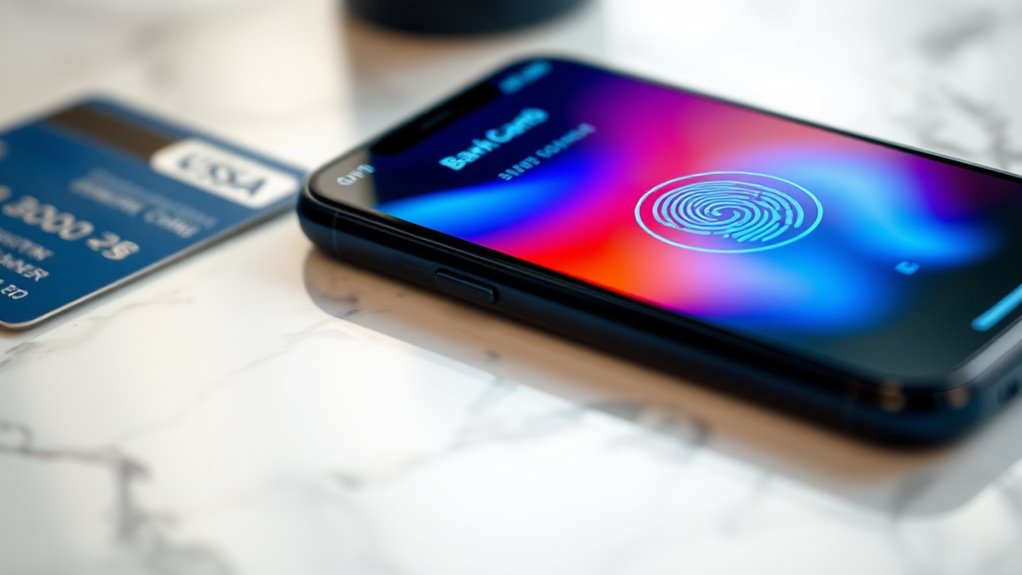
Virtual cards offer multiple layers of protection that traditional physical cards simply can't match. When you're shopping online or managing subscriptions, these digital payment solutions create a robust security shield around your finances.
Key Security Features:
- One-time use numbers that become invalid after a single transaction
- Spending limits you can adjust in real-time
- Merchant-specific locks that prevent unauthorized charges
- Instant card freezing and deletion capabilities
- Zero liability for fraudulent transactions
Advanced Protection Mechanisms:
- Dynamic CVV codes that change regularly
- End-to-end encryption for all transactions
- Tokenization technology that masks your real card details
- Automated fraud detection algorithms
- Two-factor authentication for added security
You'll benefit from enhanced control over your spending through features like:
- Custom expiration dates for subscription services
- Geographic restrictions to prevent unauthorized foreign charges
- Real-time transaction notifications
- Detailed spending analytics and tracking
- Integration with popular mobile wallets
These security measures work together to create a virtually impenetrable barrier against common forms of credit card fraud, while maintaining the convenience you need for everyday transactions.
Step-by-Step Setup Process
Now that you understand the security features protecting your financial data, setting up your virtual card takes just a few straightforward steps. Most major banks and financial institutions offer virtual cards through their mobile apps or online banking platforms.
Initial Setup:
- Log into your banking app or website
- Navigate to the "Cards" or "Virtual Payment" section
- Select "Create Virtual Card" or similar option
- Verify your identity using two-factor authentication
Configuration Steps:
- Choose spending limits (typically between $1-$10,000)
- Set expiration timeframe (one-time use or recurring)
- Link to your preferred funding source
- Generate your virtual card number
Final Activation:
- Review card details, including:
- 16-digit card number
- CVV code
- Expiration date
- Confirm settings and activate card
- Store card information securely
You'll receive confirmation of activation within minutes, and your virtual card will be ready for immediate use. Many providers allow you to manage multiple virtual cards simultaneously, each with its own unique settings and controls. You can typically modify these settings anytime through your account dashboard.
Managing Your Virtual Card

Effective management of your virtual card guarantees both security and convenience in your digital transactions. To maintain ideal control, you'll need to focus on several key aspects of virtual card administration.
Key Management Tasks:
- Monitor transactions regularly through your provider's app or dashboard
- Set and adjust spending limits based on your usage patterns
- Update card details if you notice any suspicious activity
- Enable push notifications for real-time transaction alerts
- Review and update merchant category restrictions periodically
Security Best Practices:
- Change your virtual card number every 60-90 days
- Don't store your virtual card details in unsecured digital locations
- Use unique virtual cards for different merchant categories
- Keep your device's security software updated
- Enable two-factor authentication when available
Maintenance Tips:
- Document all recurring payments linked to your virtual card
- Maintain a backup payment method in case of technical issues
- Review monthly statements for billing accuracy
- Keep track of expiration dates and auto-renewal settings
- Save transaction receipts in a secure digital folder
Remember to regularly check your provider's updates, as virtual card features and security protocols often evolve with technology advancements.
Common Uses and Limitations
Beyond traditional payment methods, virtual cards serve numerous practical purposes while having specific constraints you should understand. You'll find these digital payment solutions particularly useful for online purchases, subscription services, and business expenses, but they do come with certain limitations.
Common Uses:
- Online shopping across multiple e-commerce platforms, where you don't want to expose your primary card details
- Setting up recurring payments for streaming services, software subscriptions, and utility bills with enhanced security
- Managing business expenses and employee spending with customizable limits and real-time tracking
- Making secure international purchases while avoiding foreign transaction fees from traditional cards
However, you should be aware of several limitations. Virtual cards typically can't be used for in-person purchases requiring physical card swipes. Some merchants might decline virtual cards, particularly those requiring card verification values (CVV) matching physical cards. Additionally, you'll find that certain travel-related expenses, like hotel reservations or car rentals, may pose challenges since they often require presenting the physical card at check-in.
The flexibility of virtual cards makes them ideal for digital transactions, but understanding these constraints helps you plan their best use.
Conclusion
Like Hermes delivering digital currency through the clouds, your virtual card empowers you to shop securely in today's online marketplace. You'll find that managing your virtual cards becomes second nature once you've mastered the setup process and security features. Whether you're protecting your main accounts or streamlining subscription payments, you're now equipped to join the rising tide of digital payment solutions that define modern commerce.