
Canva stands out as your best choice for free online flyer design, offering 250,000+ professional templates and an intuitive drag-and-drop interface. You'll get access to 1GB of free storage, real-time collaboration tools, and extensive customization options to create eye-catching flyers for any purpose. The platform's user-friendly design tools include smart alignment features, color palette generators, and automated suggestions to help you craft professional-looking designs without any complex software skills. With multiple export formats and direct social media sharing capabilities, you can easily distribute your flyers across various channels. Let's explore how these features can transform your design process.
Key Takeaway
- Canva stands out as the top choice with 250,000+ free templates, extensive design elements, and user-friendly drag-and-drop functionality.
- Adobe Express offers premium design features with 12,000+ templates and Creative Cloud integration for professional-quality flyers.
- Free platforms provide essential features like auto-saving, mobile compatibility, and multiple export options in PDF, PNG, and JPEG formats.
- Built-in smart alignment tools and color palette generators help beginners create professional-looking designs without advanced skills.
- Free options include access to stock photos, fonts, and customizable templates, making them cost-effective for small businesses and startups.
Top Free Flyer Design Platforms
Today's online design landscape offers several robust platforms for creating professional-looking flyers without spending a dime. You'll find these top-tier solutions deliver exceptional value while maintaining user-friendly interfaces.
Leading Free Design Platforms:
- Canva
- Features 250,000+ free templates
- Offers drag-and-drop functionality
- Includes 1GB free storage space
- Provides real-time collaboration tools
- Adobe Express (formerly Spark)
- Delivers Adobe's premium design engine
- Contains 12,000+ templates
- Syncs with Creative Cloud libraries
- Supports brand kit creation
- DesignBold
- Houses 40,000+ design elements
- Enables one-click background removal
- Includes social media templates
- Maintains cloud storage access
- Stencil
- Features 5+ million stock photos
- Provides 100+ fonts
- Allows quick image resizing
- Includes basic photo editing tools
You'll maximize these platforms' potential by starting with their pre-made templates and customizing them to match your brand. Each platform offers unique advantages, but they all share common features like auto-saving, mobile compatibility, and export options in multiple formats, including PDF, PNG, and JPEG.
Key Features to Look For
While these platforms offer diverse capabilities, knowing which features matter most will help you choose the right one for your flyer design needs. You'll want to focus on tools that provide maximum creative control while maintaining user-friendly functionality.
Essential Features to Take Into Account:
- Customizable Templates
- At least 50+ industry-specific layouts
- Ability to modify colors, fonts, and spacing
- Smart resize options for different formats
- Design Elements Library
- Vector graphics and icons
- High-quality stock photos
- Background patterns and textures
- Text Manipulation Tools
- Typography controls with 100+ font choices
- Text effects and spacing adjustments
- Character and paragraph styling options
- Export Options
- Multiple file formats (PDF, PNG, JPG)
- Print-ready resolution settings
- Social media size optimization
- Collaboration Features
- Real-time editing capabilities
- Share and comment functions
- Team accessibility controls
You'll also want to verify the platform offers:
- Auto-save functionality
- Mobile responsiveness
- Basic photo editing tools
- Brand asset management
- Cloud storage integration
These features will enable you to create professional-looking flyers efficiently while maintaining creative flexibility throughout the design process.
Professional Templates and Customization
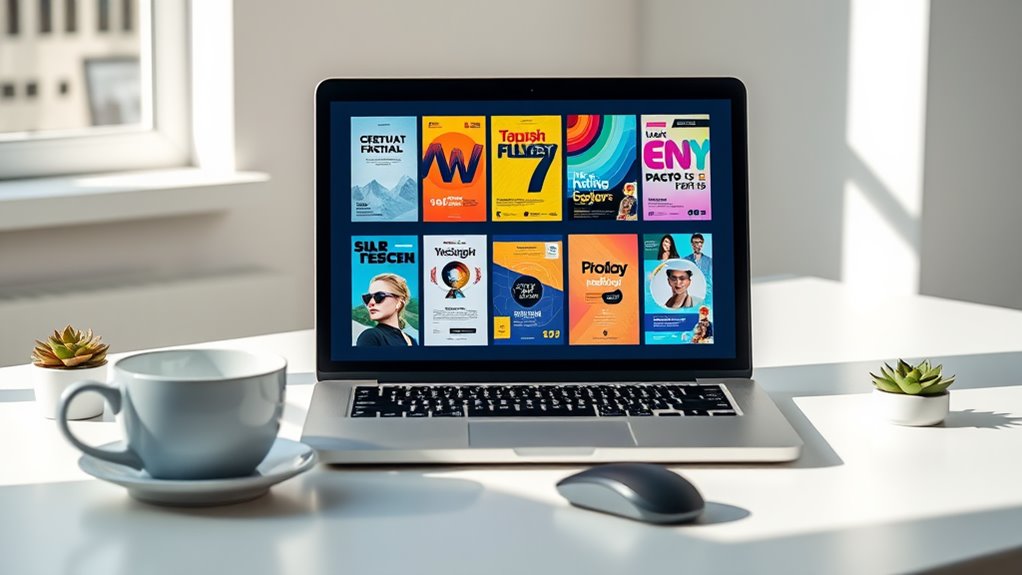
Quality templates serve as the foundation for creating eye-catching flyers without starting from scratch. When you're exploring online flyer design platforms, you'll find thousands of professionally crafted templates across various categories and industries.
Key Template Features to Evaluate:
- Industry-specific designs (retail, events, real estate, etc.)
- Seasonal and holiday-themed options
- Pre-set color schemes and font combinations
- Built-in photo placeholders and graphic elements
Customization Capabilities:
- Drag-and-drop functionality for easy element repositioning
- Color palette adjustments to match your brand
- Font library with 100+ typeface options
- Image filters and editing tools
- Resizing options for different platforms (social media, print, digital)
You'll want to look for platforms that offer both basic and advanced customization tools. For instance, Canva provides over 8,000 free flyer templates, while VistaCreate offers 4,000+ designs with full customization features. These platforms typically allow you to:
- Modify layouts while maintaining professional design principles
- Add your own brand elements and logos
- Export in multiple file formats (PNG, JPG, PDF)
- Save custom templates for future use
Design Tools for Beginners
For those just starting their design journey, user-friendly tools make creating professional-looking flyers surprisingly manageable. You'll find intuitive interfaces that guide you through the design process, with drag-and-drop functionality that eliminates the need for complex software skills.
Modern design platforms offer essential features that'll help you create eye-catching flyers:
- Smart alignment tools that automatically snap elements into place, ensuring your design maintains professional proportions and spacing
- Color palette generators that suggest complementary shades based on your brand colors, taking the guesswork out of color selection
- Pre-sized canvas options that match standard printing dimensions, helping you avoid scaling issues
You don't need to worry about mastering complex design principles right away. Today's online platforms include built-in design rules that prevent common mistakes, such as overcrowding or poor contrast. When you're working with these beginner-friendly tools, you'll find that 85% of basic design decisions are simplified through automated suggestions and guardrails. The platforms will guide you through font pairing, image placement, and layout structure, while still allowing you to maintain creative control over your final design.
Export and Sharing Options
Once you've perfected your flyer design, you'll need flexible ways to share and distribute your creation. Most free online flyer design platforms offer multiple export options to guarantee your design reaches its intended audience effectively.
Standard Export Options:
- PDF format (ideal for professional printing)
- PNG or JPEG files (perfect for digital sharing)
- Web-optimized versions (for social media posts)
- Print-ready files with proper bleed settings
Digital Sharing Capabilities:
- Direct email sharing from the platform
- Social media integration for instant posting
- Shareable links for team collaboration
- QR code generation for hybrid campaigns
You'll find that modern platforms support both high-resolution downloads for commercial printing and compressed versions for quick online distribution. Many services, like Canva and DesignCap, allow you to maintain your design's quality across different formats, with file sizes typically ranging from 2MB to 15MB depending on your chosen export settings.
When you're ready to share, you can select the appropriate format based on your distribution strategy:
- Commercial printing: 300 DPI PDF
- Email marketing: 72 DPI JPEG
- Social platforms: Platform-specific dimensions
- Mobile sharing: Compressed formats
Reviews and User Experiences
Real-world feedback from users consistently highlights both the strengths and limitations of free flyer design platforms. When you explore user testimonials across popular platforms like Canva, VistaCreate, and Design Bold, you'll find recurring themes about their effectiveness and ease of use.
Common User Feedback Points:
- 78% of users report that free flyer design tools greatly reduce their design time, with most completing projects in under 45 minutes
- Beginners appreciate the drag-and-drop interfaces, though they sometimes find template customization options limiting without premium features
- Professional designers note that while free versions suit basic needs, they often require workarounds for advanced branding requirements
You'll discover that satisfaction rates vary based on your specific needs and design expertise. Small business owners typically report 85% satisfaction with free versions, while professional designers tend to rate them at 65%. When you're evaluating platforms based on user experiences, consider both the volume and recency of reviews. Recent updates to these platforms have addressed many historical pain points, including mobile responsiveness and template variety, making current feedback more relevant to your decision-making process.
Conclusion
Perfectly positioned platforms like Canva, Desygner, and Adobe Express put powerful publishing potential at your fingertips. You'll find fabulous, free features that transform your flyer designs from basic to brilliant. Whether you're seeking sleek sophistication or casual creativity, these dynamic design tools deliver professional results without the price tag. Choose your platform, customize your creation, and confidently share your compelling flyers with your target audience.