
You'll find several excellent software options for designing business cards, ranging from user-friendly online tools to professional desktop applications. Popular online platforms like Canva offer 10,000+ templates with intuitive interfaces, while Adobe's Creative Suite provides professional-grade control through InDesign and Illustrator. For a familiar interface, Microsoft Office programs like Word and Publisher include built-in business card templates and wizards. Mobile apps such as Business Card Maker deliver on-the-go design capabilities, and free alternatives like GIMP offer basic functionality. Whether you're a beginner or professional, your perfect design solution depends on your specific needs, budget, and desired features.
Key Takeaway
- Canva offers over 10,000 business card templates with an intuitive interface, making it ideal for beginners and professionals alike.
- Adobe InDesign and Illustrator provide professional-grade control for custom business card designs with advanced typography and color management.
- Microsoft Word includes 50+ pre-designed business card templates and is readily accessible for most users with basic design needs.
- Mobile apps like Adobe Creative Cloud Express enable business card design on-the-go with professional templates and high-resolution exports.
- Free alternatives like GIMP and Inkscape offer basic business card design capabilities without subscription costs.
Online Design Tools
Online design tools make creating professional business cards accessible to everyone, regardless of design experience. You'll find numerous web-based platforms that offer intuitive interfaces, pre-made templates, and customization options to help you craft your perfect business card.
Popular Online Design Platforms:
- Canva – Features 10,000+ business card templates and a drag-and-drop interface
- VistaPrint – Combines design capabilities with direct printing services
- Adobe Express – Offers professional-grade tools with Creative Cloud integration
- MOO – Provides specialized paper options and unique formatting choices
Key Features to Look For:
- Template libraries with industry-specific designs
- Custom sizing and bleed options
- Vector graphic support
- Brand asset management
- Export flexibility (PDF, PNG, JPG)
When you're selecting an online design tool, you'll want to contemplate your specific needs, such as:
- Budget constraints (free vs. paid options)
- Integration requirements with existing software
- File format compatibility
- Template variety within your industry
- Learning curve and time investment
Most platforms offer free trials, so you can test their features before committing to a subscription or purchase.
Professional Desktop Design Software
Professional desktop design software offers unparalleled control and sophistication for creating business cards. You'll find industry standards like Adobe InDesign, Illustrator, and CorelDRAW provide extensive features that'll elevate your design capabilities.
Key Professional Software Options:
- Adobe InDesign: Ideal for layout-intensive designs, with precise typography control and professional printing options
- Adobe Illustrator: Perfect for vector-based graphics and logo incorporation, offering unlimited scaling
- CorelDRAW: User-friendly interface with powerful tools for both beginners and experts
Advanced Features You'll Access:
- CMYK color management for accurate printing
- Custom bleeds and crop marks
- Vector editing capabilities
- Professional typography controls
- Layer management
- Export options in multiple formats
When you're working with professional software, you'll benefit from:
- Integration with other design programs
- Access to professional printing standards
- Advanced color management systems
- High-resolution output options
- Precise measurement tools
While these programs require a steeper learning curve than online tools, they'll provide you with industry-standard capabilities that guarantee your business cards meet professional printing requirements and maintain consistent branding across all materials.
Microsoft Office Programs
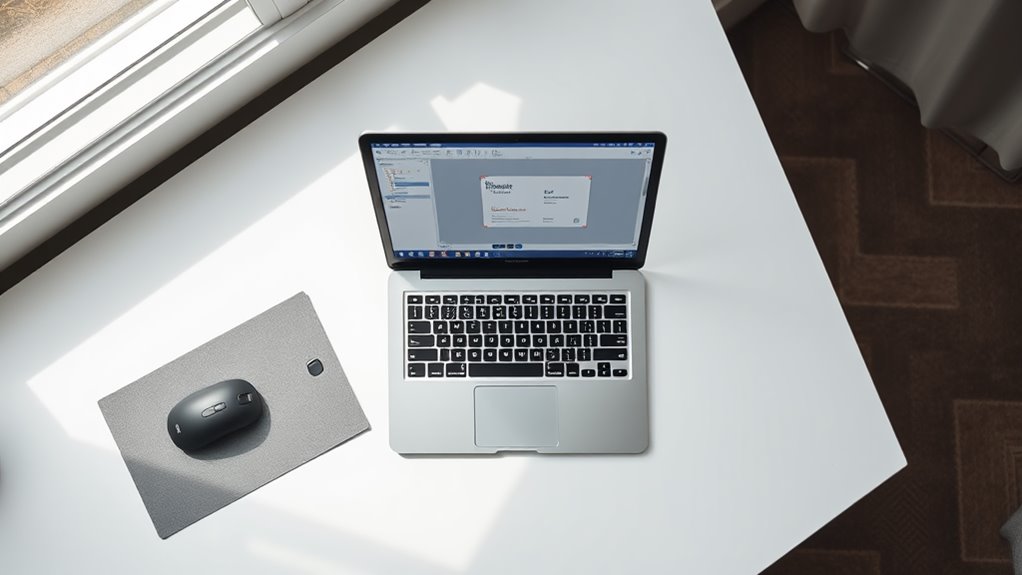
While professional design software offers extensive capabilities, Microsoft Office programs provide an accessible starting point for creating business cards. You'll find that Microsoft Word and Microsoft Publisher, in particular, offer user-friendly templates and design tools for your business card needs.
Microsoft Word
- Access over 50 pre-designed business card templates
- Customize using the "Labels" feature for precise 10-per-page layouts
- Utilize SmartArt for professional graphics and layout arrangements
- Modify fonts, colors, and spacing through familiar toolbar options
Microsoft Publisher
- Navigate dedicated business card wizards with step-by-step guidance
- Choose from 100+ industry-specific designs and color schemes
- Import your company logo with automatic color matching
- Export files in print-ready formats (PDF, JPG, PNG)
Key Features Across Both Programs:
- Compatible with standard business card paper (3.5" x 2")
- Built-in alignment tools for precise element placement
- Direct integration with other Microsoft Office applications
- Cloud storage capabilities through OneDrive for easy sharing
You can enhance your design by using Microsoft's online template library, which adds thousands of additional options to your creative toolkit.
Mobile Apps
In today's digital age, mobile apps offer a convenient way to design business cards directly from your smartphone or tablet. You'll find numerous options available on both iOS and Android platforms, giving you professional-grade design capabilities while on the go.
Top Mobile Apps for Business Card Design:
- Canva: You'll get access to thousands of templates, with a user-friendly interface that syncs across all your devices. The app offers both free and premium features, including custom fonts and brand kit integration.
- Adobe Creative Cloud Express: Previously known as Adobe Spark, this app lets you create stunning designs using Adobe's professional-grade tools, complete with advanced typography options and brand assets.
- Business Card Maker: This dedicated app focuses solely on business card creation, offering 1000+ templates and direct printing services through various vendors.
Key Features to Look For:
- Template customization options
- High-resolution export capabilities
- Integration with cloud storage
- Direct sharing to printing services
- Brand asset management
- QR code generation
When selecting a mobile app, you'll want to evaluate storage space requirements, subscription costs, and compatibility with your preferred printing service. Most apps offer free trials, allowing you to test their features before committing.
Free Design Resources

Budget-conscious designers can access a wealth of free resources to create impressive business cards without spending money on premium tools. You'll find numerous platforms offering royalty-free assets that can elevate your design's professional appeal.
Free Design Elements:
- Pixabay and Unsplash: Access over 2.5 million high-quality stock photos and vectors
- Google Fonts: Choose from 1,000+ free typefaces for commercial use
- Flaticon: Download 4 million+ icons in various formats
- Coolors: Generate professional color palettes instantly
Online Design Tools:
- Canva: Access 250,000+ templates and basic design features
- Adobe Creative Cloud Express: Use limited but professional design tools
- Desygner: Create business cards with drag-and-drop functionality
Resource Libraries:
- Behance: Study thousands of business card designs for inspiration
- Dribbble: Browse current design trends and techniques
- FreePik: Download free vectors, PSD files, and templates
Remember to verify licensing terms for each resource you're planning to use, as some free assets may require attribution or have specific usage restrictions. You can combine elements from different sources to create unique, professional-looking business cards that stand out.
Print Shop Software Options
Professional print shops utilize three main types of software to handle business card production efficiently. You'll find that most established print shops rely on thorough design suites that integrate seamlessly with their printing equipment, ensuring consistent quality and color accuracy.
When you're working with a print shop, you'll typically encounter these software platforms:
- Adobe Creative Suite – The industry standard, featuring InDesign and Illustrator for precise layout control and vector graphics management, used by 90% of professional print shops
- Kodak Prinergy – A specialized workflow automation system that handles pre-press operations, color management, and production scheduling
- EFI Fiery – A digital front-end system that optimizes print quality and manages job queues effectively
You'll notice that these professional solutions differ greatly from consumer-grade software, as they're built to handle high-volume production and maintain strict quality standards. When choosing a print shop, you should inquire about their software capabilities, especially if you're planning to submit custom designs or require specific color matching. The software they use will directly impact the final quality of your business cards.
Conclusion
You've got plenty of great options to design your perfect business card, from user-friendly online tools like Canva to professional powerhouses like Adobe InDesign. Whether you're working with a shoestring budget or seeking premium features, there's a design solution that'll fit your needs like a well-tailored suit. Take the plunge and start creating your professional identity today – your perfect business card is just a few clicks away.