
While you don't absolutely need a specialized printer for business cards, investing in one can greatly improve your results. Standard office printers typically offer 300-600 DPI resolution and limited paper handling, while dedicated business card printers deliver 1200+ DPI and support heavier cardstock up to 110 lb. Specialized printers also produce cards faster (8-12 cards/minute vs. 2-4 cards/minute) and include precise cutting capabilities with 0.1mm accuracy. Though specialized printers cost more ($800-2,000 vs. $200-500), they're worth considering if you'll print more than 2,500 cards annually. Let's explore the key factors that'll help you make the right choice for your needs.
Key Takeaway
- While not mandatory, specialized business card printers offer superior quality with 1200+ DPI resolution compared to standard printers' 300-600 DPI.
- Standard printers can print business cards but lack precision cutting capabilities and may require additional tools for finishing.
- Specialized business card printers handle thicker paper stocks up to 110 lb, whereas standard printers often struggle with heavy cardstock.
- Production speed differs significantly, with specialized printers producing 8-12 cards per minute versus 2-4 cards with standard printers.
- The choice depends on volume needs: low volume (under 500 monthly) works with standard printers; higher volumes justify specialized equipment.
Standard vs. Specialized Printers
Desktop printers can handle basic business card printing, but specialized business card printers offer distinct advantages. Your standard inkjet or laser printer works with standard-sized paper and requires manual cutting, while dedicated business card printers are engineered specifically for the precise dimensions and paper types needed.
Key Differences:
- Print Quality: Specialized printers deliver 1200+ DPI resolution, compared to standard printers' 300-600 DPI
- Paper Handling: Business card printers accommodate specialized stock up to 110 lb. weight
- Production Speed: You'll print 8-12 cards per minute with dedicated printers vs. 2-4 with standard ones
- Cutting Precision: Built-in cutters achieve 0.1mm accuracy, eliminating manual trimming
Cost Considerations:
- Standard Printer Setup: $200-500 + cutting tools
- Specialized Business Card Printer: $800-2,000
You'll find that specialized printers streamline your workflow by:
- Eliminating alignment issues
- Reducing paper waste by 40%
- Providing consistent, professional results
- Offering automated feeding and cutting
If you're printing more than 500 cards monthly, a specialized printer's efficiency and quality improvements will justify the investment through reduced labor and materials costs.
Paper Types and Specifications
Three essential paper types define professional business card printing: standard cardstock, premium cardstock, and specialty materials. When you're selecting paper for your business cards, you'll need to evaluate weight, texture, and durability to achieve the professional look you're aiming for.
Standard cardstock typically ranges from 80lb to 100lb weight, while premium options can reach up to 130lb. You'll find that heavier paper creates a more substantial feel, which can enhance your brand's perceived value. The paper's finish, whether matte or glossy, will impact both the card's appearance and how well it accepts ink.
Key specifications to evaluate for business card paper:
- Weight measurements: 80lb to 130lb (216g/m² to 352g/m²)
- Standard dimensions: 3.5 x 2 inches in the US, 85 x 55mm internationally
- Thickness range: 10pt to 24pt (.010 to .024 inches)
- Coating options: UV-coated, aqueous-coated, or uncoated
Your paper choice will affect both printing method and cost. For instance, digital printing works best with smoother papers, while letterpress requires thicker stocks. Assess how your paper selection aligns with your printing equipment's capabilities and your business card's intended use.
Print Quality Considerations
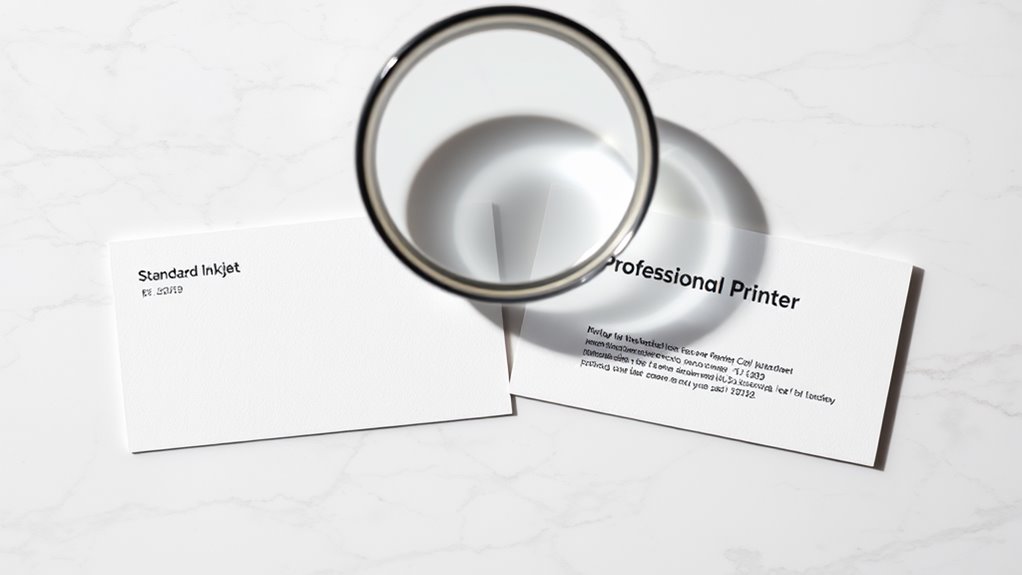
When selecting a business card printer, print quality becomes essential for maintaining professional standards. You'll need to evaluate several key factors that directly impact the final appearance of your business cards.
Key Print Quality Considerations:
- Resolution Capabilities
- Look for printers offering at least 1200 x 1200 dpi for sharp text
- Choose models supporting 2400 x 1200 dpi for detailed graphics and logos
- Color Accuracy
- Confirm your printer can handle CMYK color processing
- Consider devices with PantoneⓇ color matching capabilities
- Test print several cards to verify color consistency
- Edge Definition
- Select printers with borderless printing options
- Check for clean, crisp text edges without bleeding or fuzzing
- Special Finish Support
- Verify compatibility with specialty inks and finishes
- Confirm the printer can handle metallic or UV-coated papers
You'll want to examine sample prints before committing to a specific printer model. While consumer-grade printers typically offer 600-1200 dpi, professional business card printing demands higher specifications. Remember that consistent quality across multiple printing sessions is vital for maintaining your brand's visual identity.
Cost Analysis and ROI
Print quality and capabilities directly affect your initial investment in a business card printer, making cost analysis a logical next step in your decision-making process. When evaluating the return on investment (ROI), you'll need to take into account both immediate costs and long-term financial implications of your printing solution.
A thorough cost analysis should examine your business card printing needs over a 12-month period, factoring in equipment, supplies, and maintenance expenses. You'll typically find that specialized business card printers range from $300 to $2,500, while professional printing services average $30-50 per 500 cards.
Key factors to keep in mind in your ROI calculation:
- Initial printer investment vs. outsourcing costs ($0.06-0.10 per card when self-printing, compared to $0.10-0.20 through services)
- Monthly maintenance requirements, including printheads and cleaning supplies ($15-25)
- Material costs for specialty papers, inks, and finishing materials ($40-60 per 1,000 cards)
- Time investment for design, setup, and production (approximately 1-2 hours per batch)
Your break-even point typically occurs after producing 2,500-3,000 cards, assuming you're printing standard-quality business cards with basic designs. This calculation shifts considerably if you're incorporating premium features or requiring specialized finishes.
Production Volume and Timing
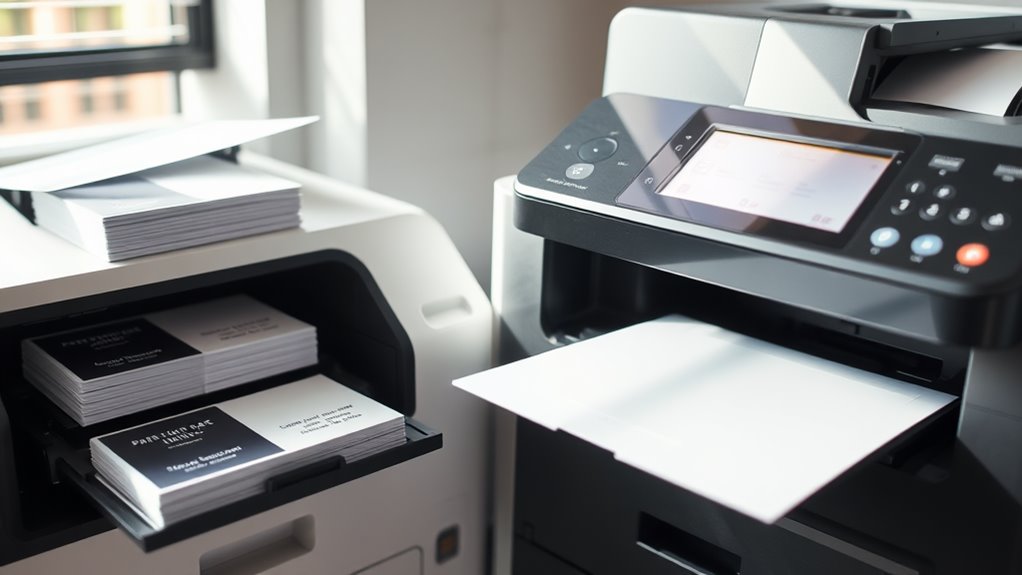
Before investing in a business card printer, you'll need to assess your company's production demands and turnaround requirements. Consider how many cards you'll print monthly and how quickly you need them available for distribution.
Production Volume Considerations:
- Small scale (1-500 cards/month): An in-house printer might be excessive
- Medium scale (500-2,000 cards/month): Could justify dedicated equipment
- Large scale (2,000+ cards/month): In-house printing becomes cost-effective
Timing Factors:
- Standard printing services typically require 3-5 business days
- In-house printing allows same-day turnaround
- Rush orders from external vendors can increase costs by 25-50%
You'll want to track your business card usage patterns over several months to determine your actual needs. If you're frequently ordering rush batches or running out of cards, an in-house printer could solve these challenges. Consider seasonal fluctuations in your business card needs, such as trade show seasons or quarter-end meetings, when you'll require larger quantities with faster turnaround times.
Remember to factor in your team's growth projections, as expanding staff numbers will directly impact your production volume requirements.
Conclusion
You don't necessarily need a specialized printer for business cards, but your choice will impact your professional image and bottom line. While standard inkjet or laser printers can produce acceptable results for small batches, you'll want to evaluate a commercial printing service or dedicated card printer if you're looking for premium quality, specific finishes, or larger quantities. Your decision should align with your budget, volume needs, and desired presentation standards.